Your name on a real logo, in a minute.
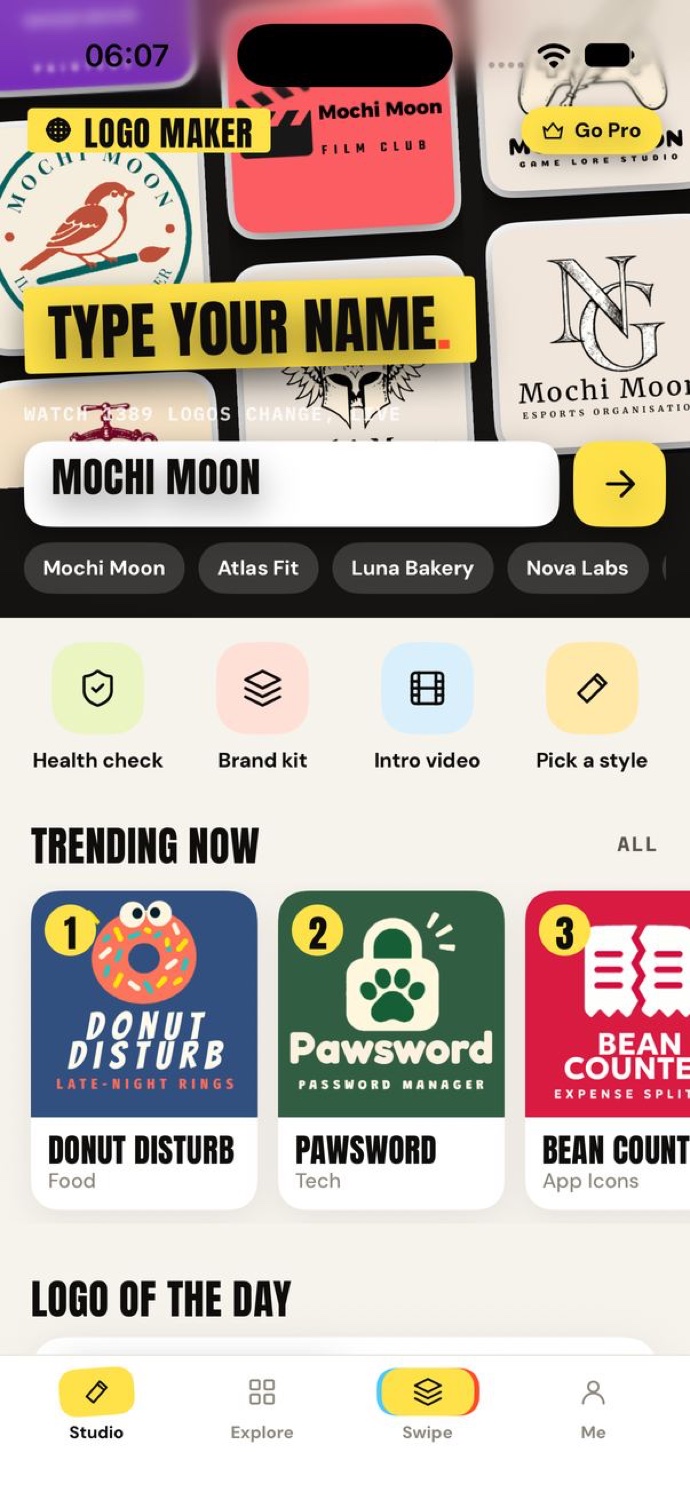
Type your brand name and watch it set into ready-made logos for twelve industries, from cafés and gyms to studios and app icons. Pick one, make it yours in the editor, then check it, mock it up and export it.
 Soon
 Soon
How it works
Find a logo you like, make it yours, and take your brand with you.
Find your logo
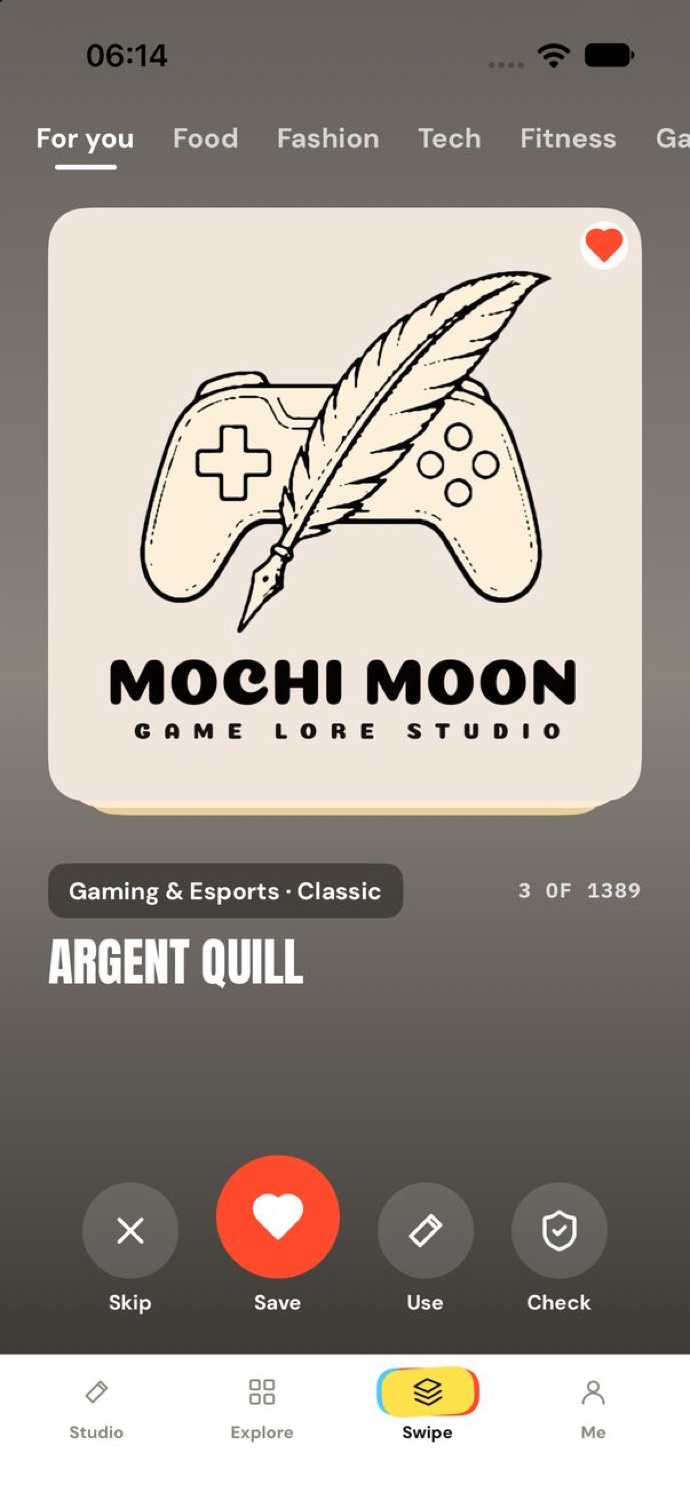
Swipe through logos with your name already in them, browse by industry, style, colour or season, or answer four quick questions for a shortlist.
Make it yours
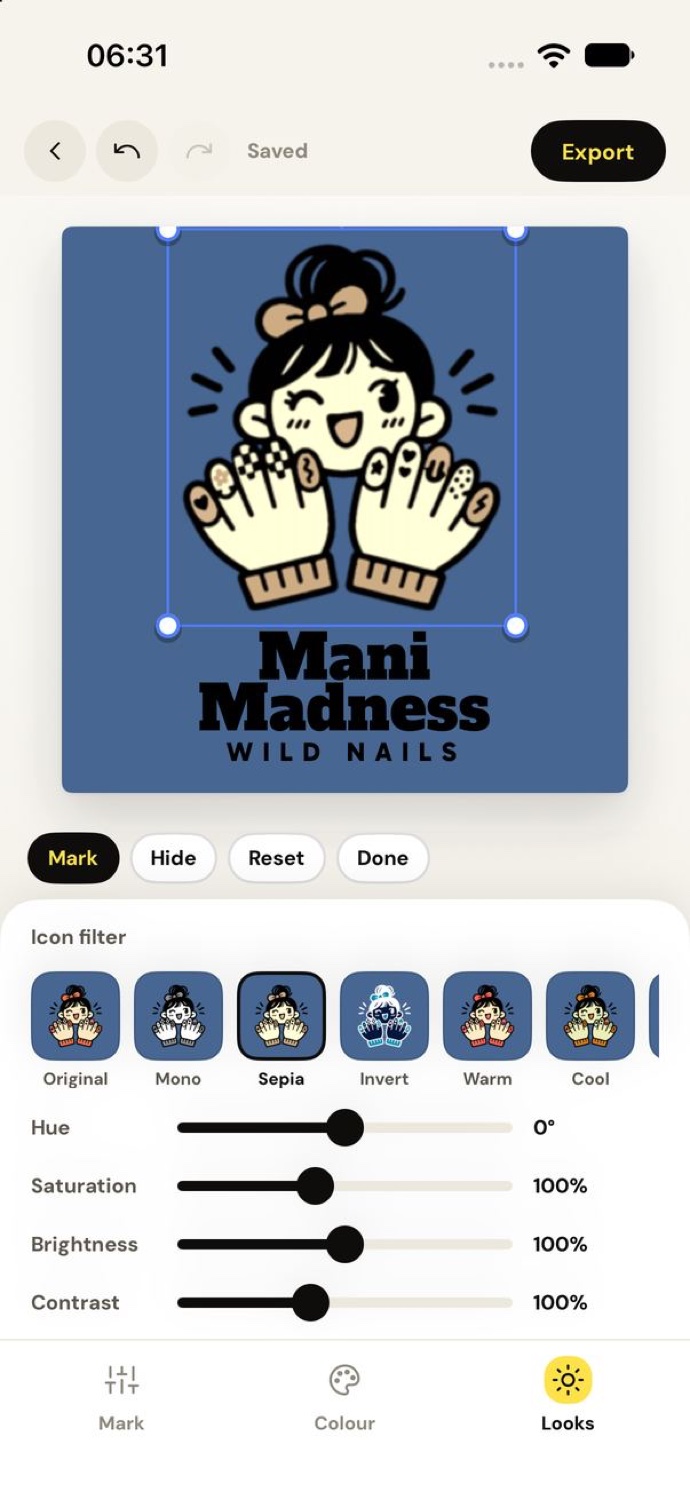
Edit the text, font, spacing and curve, swap the mark, recolour it, add textures and filters, and undo anything. Your drafts are saved on your phone.
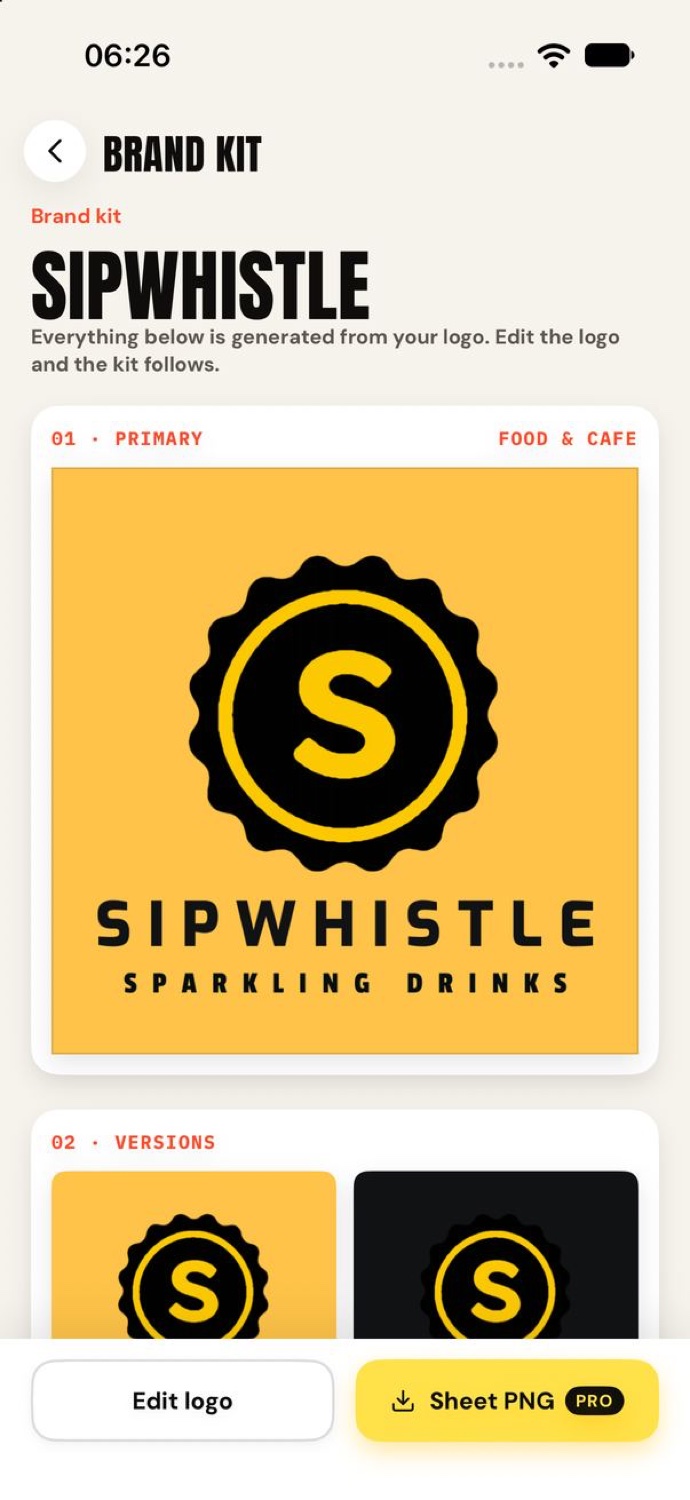
Get your brand kit
See your logo’s versions, palette and fonts in one place. Pro exports it all as a brand kit sheet.
Everything else
The extras that help you ship a logo you can trust.
Health check
Every logo gets tested at tiny sizes, in one colour, in greyscale and on dark, so you know it still reads.
See it for real
Preview your logo on mockups like a shop sign, mug or T-shirt, place it on your own photo, or try it in AR through the camera.
Seasonal editions
Recolour your logo for New Year, Halloween, Black Friday, Christmas and more.
Logo intro video
Animate your logo with a choice of intro styles. Pro exports it as a video.
No account needed
Open the app and start. Your drafts and brand details stay on your phone.
Pro, if you want it
Free exports go up to 1024 px with a small watermark. Pro adds 2048 px and transparent PNG, no watermark, the brand kit sheet, intro video export and no ads.
Get in touch!
Have a question or need help? Our support team is here for you. Contact us at ad.auralabs@gmail.com and we will get back to you. We read every message and love seeing the logos you make.
Frequently asked questions
If you have anything else you want to ask, reach out to us.
How do I make a logo?
Find a logo you like in Swipe, Explore or the quiz, open it and tap "Use this logo". It opens in the editor with your brand name, ready to change and export.
How do I change the text, font or colours?
In the editor, use the tabs at the bottom: Text, Font, Colour, Mark and Looks. Tap a layer on the canvas to move, resize or rotate it. Undo and Redo are always at hand.
Do I need an account?
No. The app never asks for your name, email or phone number. Your drafts, saved logos and brand details are stored on your phone.
What can I export for free?
Free exports are PNGs up to 1024 px with a small watermark. The free version also shows ads.
What does Pro include?
2048 px and transparent PNG exports, no watermark, the brand kit sheet, logo intro video export, and no ads.
How do I cancel or restore Pro?
Cancel in your App Store or Google Play subscription settings. To get Pro back on a new phone, open Me and tap Restore purchases.